AI 2D to 3D Video Converter for Windows
Turn flat 2D video into immersive stereoscopic 3D for VR headsets, 3D projectors and 3D TVs — locally on your NVIDIA GPU PC.
Free Trial: up to 90 seconds + watermark. Already tested it? Request Pro Early Access .

Local AI conversion
Your video is processed on your Windows PC instead of being uploaded to a cloud converter.
Ready-to-play 3D files
Create stereoscopic output files for compatible VR players, projectors and 3D displays.
VR / projector / TV
Choose common stereoscopic formats for the playback equipment you already use.
Depth control
Use safer cinematic depth or a stronger 3D effect depending on the source and your preference.
From 2D source to 3D output
A straightforward desktop workflow for Windows users with an NVIDIA GPU and a compatible 3D playback device.
Select a 2D video
Choose the source video file from your PC.
Choose output format
Select Half-OU, Full-OU, Half-SBS or Full-SBS.
Run local AI conversion
The app estimates scene depth and creates stereoscopic left/right views.
Watch in 3D
Open the result in your compatible VR player, 3D projector setup or 3D TV workflow.
Product demo + real Half-SBS 3D sample
Watch how Vistora AI 3D works, then download an actual converted 3D file to test on your own compatible playback setup.
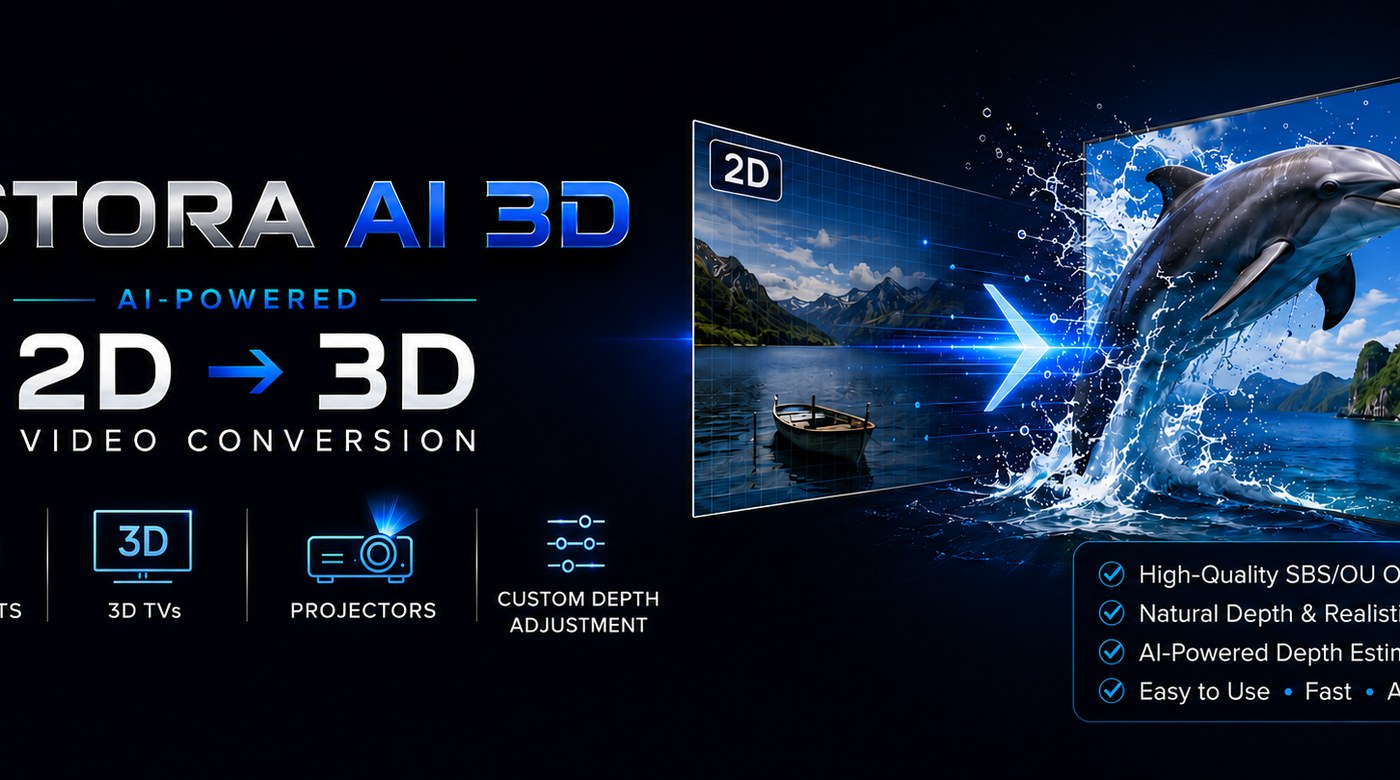
See the software. Then test the real 3D output.
The YouTube video is a product demonstration showing the Vistora AI 3D interface and workflow. It is not intended to reproduce the stereoscopic 3D effect on a normal 2D screen.
Real Half-SBS 3D Sample
Download a 1 min 10 sec MKV created by Vistora AI 3D and play it on a compatible 3D TV, 3D projector, VR headset, or SBS-capable player.
Important: on a normal 2D monitor the file will appear as two side-by-side views. To see the stereoscopic 3D effect, use compatible 3D playback equipment or software.
Download Half-SBS 3D Sample (MKV, 1:10)Supported 3D output formats
Choose the format that matches your playback setup.
Try it free before requesting Pro
Verify the workflow on your own PC and playback setup first. Upgrade only if it works for you.
Free Trial
- Up to 90 seconds per trial conversion
- Trial watermark
- All main 3D output formats
- Local AI conversion
Pro Early Access
- No trial watermark
- No 90-second trial limit
- All supported 3D output formats
- Early Access licensing
Current license and purchase information is provided after your request.
System requirements
AI video conversion is demanding. Check your PC before installing.
Recommended
- Windows 10 / Windows 11
- NVIDIA RTX GPU, 6 GB+ VRAM recommended
- Recent NVIDIA driver
- SSD recommended
- VR headset, 3D projector or 3D TV for playback
Realistic expectations
The result is AI-generated stereoscopic 3D, not studio-authored native stereo footage. Quality depends on the source video, motion, compression, settings and playback device.
Use only video content you own or have rights to use. The software is not intended for DRM bypass, ripping, streaming capture, Blu-ray decryption or pirated content.
Frequently asked questions
Quick answers before you download.
Does Vistora AI 3D upload my video to the cloud?
No. Conversion is performed locally on your Windows PC.
What does the Free Trial include?
The Free Trial lets you test the main conversion workflow and supported output formats. Trial output is limited to up to 90 seconds and includes a watermark.
Which 3D formats are supported?
Vistora AI 3D supports Half-OU, Full-OU, Half-SBS and Full-SBS output.
What hardware is recommended?
Windows 10 or 11 with a modern NVIDIA GPU is recommended. An RTX-class GPU with 6 GB or more VRAM and an SSD will provide a better experience.
Is AI-generated 3D the same as native stereoscopic filming?
No. Vistora AI 3D estimates scene depth from a 2D source and synthesizes stereoscopic views. Results vary by scene and source quality.
Ready to test Vistora AI 3D?
Start with the Free Trial and test the converter on your own NVIDIA GPU PC and 3D playback setup.
The Early Access installer may be unsigned, so Windows SmartScreen can display a warning. Download only from the official Vistora AI 3D GitHub Release link on this page.
Early Access Notice: Vistora AI 3D Converter Pro is an Early Access Windows application. Results may vary depending on source video, GPU, settings and playback device.
SmartScreen Notice: The Early Access installer may be unsigned. Windows can show a warning until code signing is added.